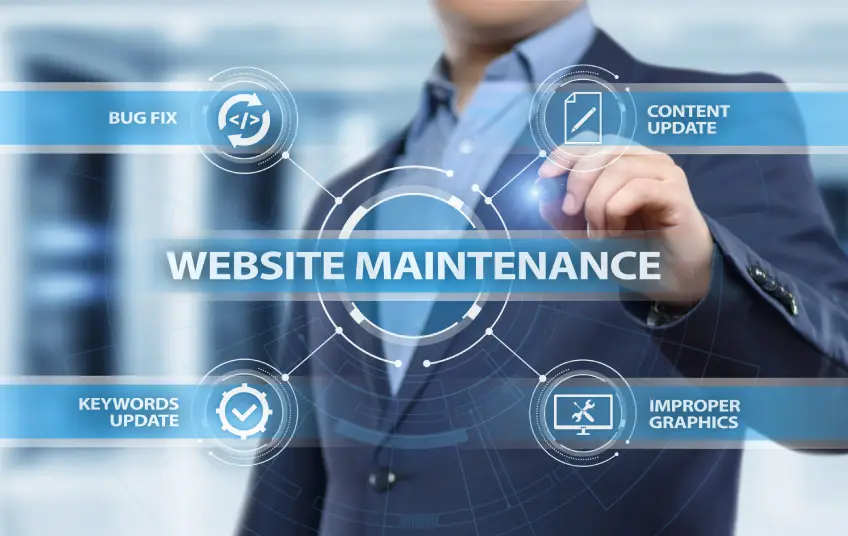
Why Website Maintenance is So Important
So, why should you spend time on website maintenance? Neglecting your site after it goes live can lead to serious problems down the road. Regular maintenance is crucial for several key reasons.
First and foremost is website security. Outdated software and plugins are a primary target for hackers. Regular security updates patch vulnerabilities and protect your site (and your customers' data) from malicious attacks. A security breach can damage your reputation and cost you dearly.
Next up is website performance optimization. A slow website is a major turn-off for visitors. People expect pages to load in two seconds or less. Regular maintenance helps optimize your site's speed and performance, ensuring a smooth user experience that keeps visitors engaged and encourages them to come back.
Finally, regular updates keep your content fresh and relevant . This is great for your audience and fantastic for SEO. Search engines like Google favour websites that are consistently updated with new, valuable information. Consistent maintenance can boost your search rankings and drive more organic traffic your way!
Your Essential Website Maintenance Checklist
Ready to keep your website in peak condition? Awesome! Here's a practical checklist covering the essential tasks you should perform regularly. We've broken it down into weekly, monthly, and quarterly tasks to make it super manageable.
Weekly Tasks
These quick checks will help you stay on top of your site's health without taking up too much of your time.
- Check for Software and Plugin Updates: Keep your website's core software (like WordPress), themes, and plugins up to date. These updates often include critical website security patches and performance improvements.
- Run a Full Website Backup: Always have a recent backup of your website. If anything goes wrong, you can quickly restore your site to a previous version. Many hosting providers offer automated backup services.
- Test Your Forms: Ensure all contact forms, lead-generation forms, and checkout processes work correctly. A broken form means lost opportunities!
- Look for Broken Links: Use a tool like Google Search Console or a browser extension to find and fix any broken links on your site. Broken links create a frustrating user experience and can harm your SEO.
Monthly Tasks
These tasks require a little more attention but are vital for long-term success.
- Review Website Performance Optimization: Use tools such as Google PageSpeed Insights to analyze your site's load time. Look for opportunities to optimize images, leverage browser caching, and minify code to keep your site zippy.
- Check Your Website Security Scans: Run a thorough scan to detect malware or vulnerabilities. Services like Sucuri or Wordfence can automate this process and alert you to any suspicious activity.
- Analyze Website Analytics: Dive into your analytics to see how your site is performing. Look at traffic sources, popular pages, and user behaviour. Are you meeting your goals? This data provides amazing insights to guide your strategy.
- Update Your Blog and Content: Keep your content fresh! Publish a new blog post, update an old one, or add new case studies. This shows visitors and search engines that your site is active and relevant.
Quarterly Tasks
Take a broader look at your website's strategy and functionality every few months.
- Review Your SEO Strategy: Are your targeted keywords still relevant? How are your search engine rankings? Review your SEO performance and adjust your strategy as needed.
- Test Your Website on Different Browsers and Devices: Ensure your site looks and functions perfectly across all major browsers (Chrome, Firefox, Safari) and devices (desktops, tablets, and smartphones).
- Review and Update Website Content: Read through your main pages, like the homepage and 'About Us' page. Is the information still accurate? Could the copy be more compelling?
- Check Your Calls to Action (CTAs): Are your CTAs clear and effective? Test different wording or designs to see if you can improve your conversion rates.
Need Help With Website Maintenance in Toronto?
Feeling a bit overwhelmed? That's completely normal! Running a business is demanding, and finding time for website maintenance can be tough. The good news is, you don't have to do it alone.
If you're looking for professional website support in Toronto, Intrango Web Design is here to help! Our team specializes in comprehensive website maintenance services that take the stress off your plate. We handle all the technical details—from website security updates to performance optimization—so you can focus on what you do best: growing your business.
Partnering with a local web design agency like Intrango Web Design means you get dedicated support from a team that understands the Toronto market. We're just a call or email away, ready to provide expert advice and hands-on assistance.
Keep Your Website Working for You

Your website is one of your most valuable business assets. Investing in its ongoing health is essential for protecting that asset and ensuring it continues to deliver results. By following a consistent website maintenance checklist, you can keep your site secure, fast, and engaging for your audience.
Remember, consistent effort is key! Whether you handle it in-house or partner with a professional team for website maintenance in Toronto, prioritizing maintenance will pay off in the long run.
Ready to ensure your website remains a powerful tool for your business? Contact Intrango Web Design today to learn more about our website support and maintenance packages. Let's keep your website in top shape together!
Posted by: Angela Wilkins
Angela is a web developer, content writer, blogger
at the team of Intrango Web Design.(An affordable web design company in Toronto, Canada).
Angela skilled and talented web designer who has a huge knowledge
of eCommerce website design and modern SEO approaches.